
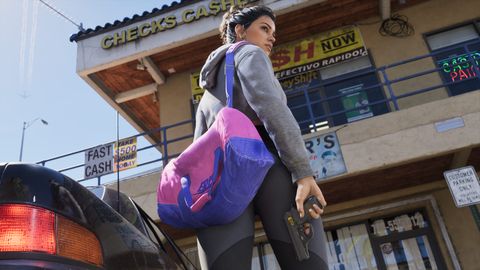
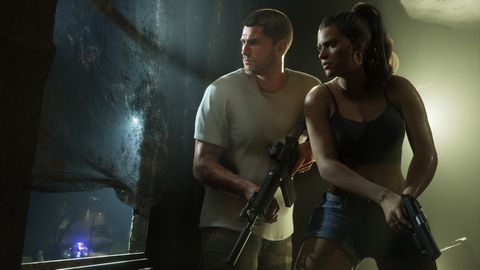
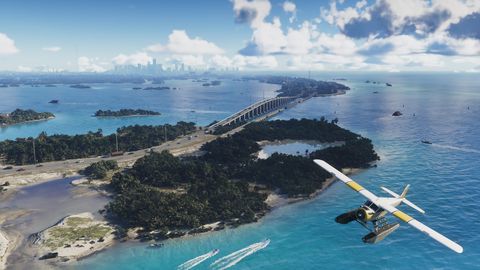
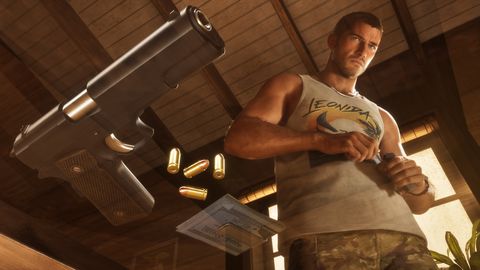

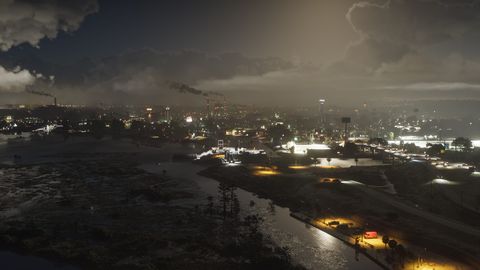

Photo mode and phone camera
Photo mode opens from the pause menu from the prologue. The phone camera (D-pad Up > Camera) unlocks later, once you control Jason.
Details
- Photo mode: eight aspect ratios, FOV up to 48.5 degrees, depth of field, up to five lights.
- Photo mode also has 17 filters, hiding characters and toggling gameplay indicators.
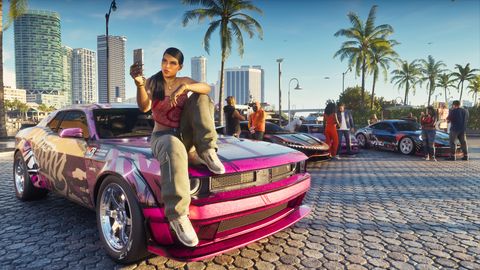
- Phone camera: 5x zoom, 17 filters and selfie poses.
- Selfies: 6 Jason poses and 7 expressions.
More in How the game works
- WAiNK: hold Up to open, hold R1/RB to scanWAiNK shows a car's security tier, value and hardware. Scanning counts toward 100%.
- Snapmatic: residents post, you may only browseSnapmatic is a social app where Leonida residents post photos and videos. You may not be able to post yourself. It and News sometimes mark map points.
- Fewer enterable buildingsInteriors exist only where interaction is possible.
- Shop counts and hair rules67 clothing stores, 17 footwear stores, 18 hair and beauty salons, 11 tattoo studios, 14 mod shops and 19 Pay 'n' Sprays.