

HDR and TV setup
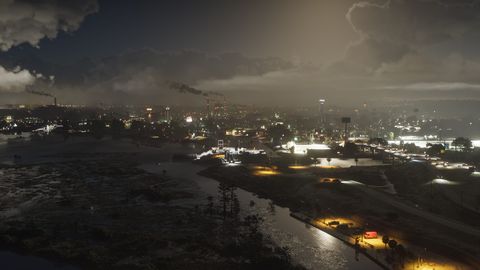
There is no in-game HDR setting: set HDR on the console, then calibrate brightness in game.
Details
- Display has Brightness Calibration, Safe Zone and a Brightness Reduction toggle.
- Use your console's own HDR calibration and your TV's game mode.
More in Start here
- Display menu: motion blur 3, no performance modeThe 12-option Display tab sets Motion Blur Strength to 3 (down to 0) and has no frame-rate or quality option. Lower blur if the image looks smeared.
- Subtitle defaults and how to fix themBy default subtitles show only in missions, small, with no background or speaker names. Change all of it in Settings > UI.
- HUD settings: compass off, door markers onThe UI tab has about 70 options. By default the compass is off, door markers and the GPS route are on, and the minimap is Dynamic.